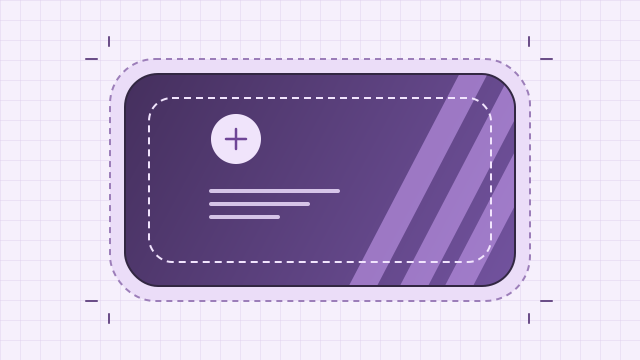
Reserve the working area first
Trace the pointer task using the actual desk arrangement and sketch the physical area the mouse needs to travel. Place this area inside the chosen silhouette. Check that a notch, hole or pointed portion does not intrude into a movement or lift-and-reposition path.
Check tight turns and drag reversals with the full mouse body drawn over the outline. If a campaign silhouette clips the route, mark the conflict on the paper proof. Ask for an outline change or document a different desk position that users can actually use, then repeat the same task on the new cut sample.
Keep production and review geometry distinct
Export the cut path separately from printed graphics. Put the finished size, orientation, working area and artwork safety zone on the review drawing. Ask the supplier for its required file format and tolerances before treating any drawing line as a production cut instruction.
Inspect narrow features, then check the packaging
Flag inward corners, narrow bridges and protrusions with dimensions and ask how they will be cut and handled. Check the outer bounding dimensions of the sample against the proposed packaging and test ordinary use from every anticipated side. Freeze the cut revision together with the packing layout.
Contour-cut file checklist
| Drawing item | Check before releasing |
|---|---|
| Finished outline | One identified cut path and finished dimensions |
| Operating area | Measured movement envelope fits inside the finished outline |
| Internal corners and narrow features | Dimensions and supplier review notes |
| Artwork safety area | Text and critical graphics checked against the accepted layout |
| Packaging outer envelope | Actual cut sample fits the pack with the agreed orientation |
Frequently asked questions
Can the pad be exactly the shape of our logo?
Submit the outline for review; small details may need adjustment to preserve usability and feasible cutting.
Does contour cutting reduce the required artwork check?
No. It adds a cut alignment check alongside print placement, safety margins and sample approval.