Identify the full test setup
Label the pad sample and note its build and print revision, desk surface, mouse model and connection. Record the sensitivity or pointer settings and relevant software or firmware. Choose an agreed reference surface and keep those settings fixed between the reference and sample trials.
Use tasks a second reviewer can repeat
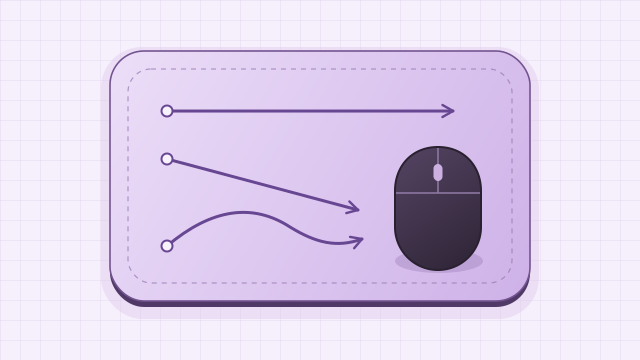
Start with a slow straight path, then draw a diagonal, change direction and drag a small on-screen item. Add the user's usual work sequence and record the trial order and repetitions. Log what happened, including missed drags, unexpected pointer jumps or normal operation, alongside the location and task.
Set the acceptance criterion before the trial. A team that uses precise drag-and-drop, for instance, could agree on five repetitions with no unexpected release and log every release on both surfaces. The count is an example to adapt to the buyer’s own workflow and review requirements.
Approve only the combinations measured
Compare each task against the reference using the agreed acceptance criterion. If a device or surface changes, write a separate row and repeat applicable tasks. Keep untested models visible as open items and reference the approved printed sample in the order brief.
Mouse tracking trial matrix
| Setup and sample | Task and comparison | Observation and decision |
|---|---|---|
| Mouse model and settings, reference surface | Slow straight line, agreed repetitions | Record reference pointer behaviour |
| Same mouse, marked test sample | Repeat slow line under the same settings | Log normal tracking or the point of a skip |
| Same test combination | Diagonal, direction change and drag | Compare behaviour by task and record the result |
| Printed sample, intended desk | Representative work sequence | Record proof revision and tested limits |
| Untested model or setting | Trial remains pending | Separate from approved combinations |
Frequently asked questions
Can a supplier video approve all our mice?
No. It may demonstrate one setup; the buyer should review the models and conditions relevant to the order.
Should settings change between samples?
Keep settings constant for the first comparison and record any later change as a separate test.