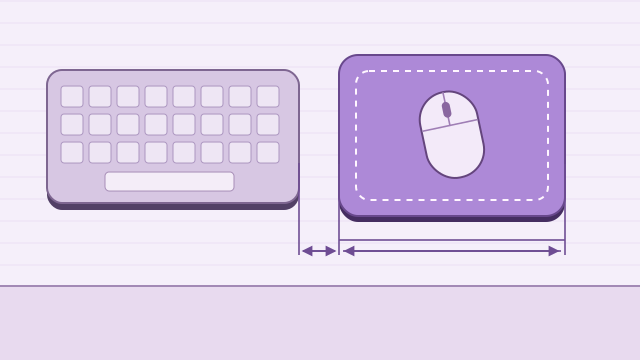
Map the physical motion during real work
Use the chosen mouse and normal settings for the intended tasks. Mark the outer reach of the mouse body on a temporary paper outline, including diagonal paths and the area used when it is lifted and set down. Measure the envelope across its widest and deepest points in millimetres.
Allow space around the movement envelope
Choose left, right, front and back margins separately. Compare the resulting finished width and depth with the space available beside the keyboard and in front of fixed equipment. If the paper outline reaches an obstruction, revisit the placement or pad shape before finalising a size.
A sizing example uses a 175 × 120 mm movement envelope with 8 mm left, 12 mm right, 10 mm front and 6 mm back. That gives a planned pad of 195 × 136 mm. It exceeds a 190 × 145 mm clear zone by 5 mm in width. Measure a new placement or revise the shape with the original movement envelope still marked.
Return to the same motion with a sample
Use a physical sample in the planned position and repeat the recorded work sequence. Check that the mouse clears the edges, frequently used movements remain practical and the expected settings still track correctly. Keep the full-size outline and the test result with the proposed configuration.
Back margin
Left margin | movement envelope | right margin
Front margin
Desk front, facing the user
Movement envelope and fit record
| Measure | Record in millimetres |
|---|---|
| Physical mouse movement | Greatest width and depth of the observed mouse-body envelope |
| Margin plan | Left, right, front and back separately |
| Finished pad geometry | Movement width plus side margins, and depth plus front/back margins |
| Available desk geometry | Unobstructed width and depth in the chosen orientation |
| Configuration result | Fit, conflict or retest, with sample ID and task |
Frequently asked questions
Is there one universal mouse pad size?
No. The useful size depends on the task, settings, mouse and available desk area.
Can the tool decide comfort?
No. It checks dimensions; the user must assess the physical sample in the actual workstation.