Establish a reference
Run the same task on an agreed reference surface without changing the mouse settings. Then repeat it on the proposed pad. If the setup changes between trials, record that as a separate comparison. A short video can help communicate the observation, but it should show the device and sample identity as well as the cursor.
Review the physical condition
Check the mouse sensor area and feet according to the device maker's instructions. Inspect the pad for contamination, surface damage and changes from the approved sample. Do not introduce an unapproved cleaner while collecting evidence. If printing or a layer has changed, identify the affected configuration and file revision.
Keep the conclusion within the evidence
If the issue follows one pad sample in controlled comparisons, retain that sample and send the record for review. If it follows the mouse across surfaces, include that observation too. Either result is useful; neither should be exaggerated into a universal statement about all PVC pads or all mice.
Before accepting a replacement, agree which task and setup will demonstrate the intended result. Store that check with the order's sample approval so the purchasing team can repeat it for future changes.
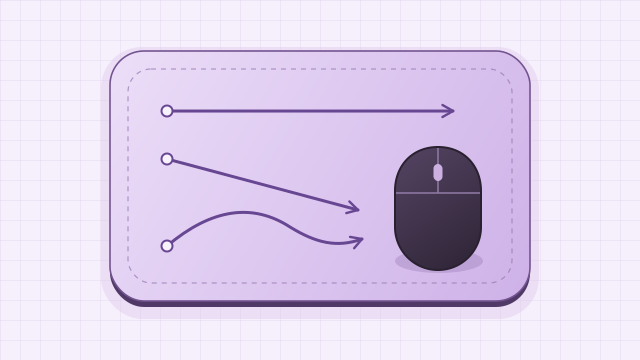
For example, record five repetitions of a slow horizontal line on each surface. If three skips occur only over one printed region, mark that region and repeat on another unit with the same approved artwork. Report the observed repetitions and sample IDs so the reviewer knows what evidence to compare.
Record each comparison side by side
| Run | Record the setup | Record the observation |
|---|---|---|
| Reference | Mouse model, connection, pointer settings, desk, task and reference surface ID. | Log whether the skip occurs, where it occurs and how many repeats showed it. |
| Target | Keep the same setup and change only to the target sample. Include its ID and print revision. | Record the same task and comparison measure. Attach a short recording if it identifies the setup. |
| Follow-up | Record a new trial for any cleaned surface, settings change or replacement sample. | Attach the trial record and isolate the variable that changed before recommending next steps. |
Frequently asked questions
Does skipping prove a defective sensor?
Not by itself. Compare controlled conditions and review both the device and pad before concluding.
Should I increase DPI to hide it?
Record the baseline first; a setting change is another test, not proof that the underlying issue is resolved.